
| Information Upload | logout |
The Basics Getting Started |
Images Preparing images Uploading images Editing image info |
Other Tasks Exhibits Texts Artist profiles |
| Menus moving menu items Rebuilding the menus |
| Manage site look Edit the look of the site |
|
||||||||||
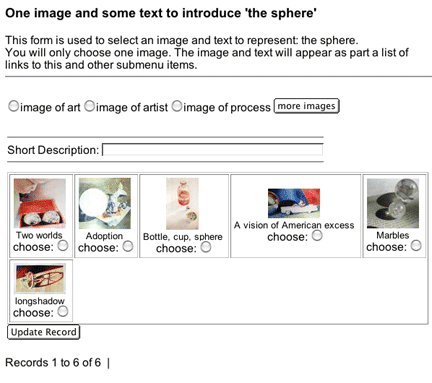
Display of categories Once at that page you will see images that have been cataloged in that category. You may choose only one image since the purpose of this image is to represent the category. There is also a text box to enter a short text describing the submenu. If you wish to use an image not currently cataloged as part of that category, you may do so by selecting one of the choices of image type and clicking on the button labeled "more images"
|
||||||||||

| The Basics Getting Started |
Images Preparing images Uploading images Editing image info |
Other Tasks Exhibits Texts Artist profiles |